Set the sound of the world
Create main and bonus music around the theme. SFX Studio produces themed sound banks for reels, buttons, wins, symbols, and bonus moments, with clips to audition and choose.
 Request access
 A cosmic swamp should not sound like a western carnival. Create music and sound effects around the game’s identity, then connect them to the moments players hear.
AI-assisted creation. Your creative control.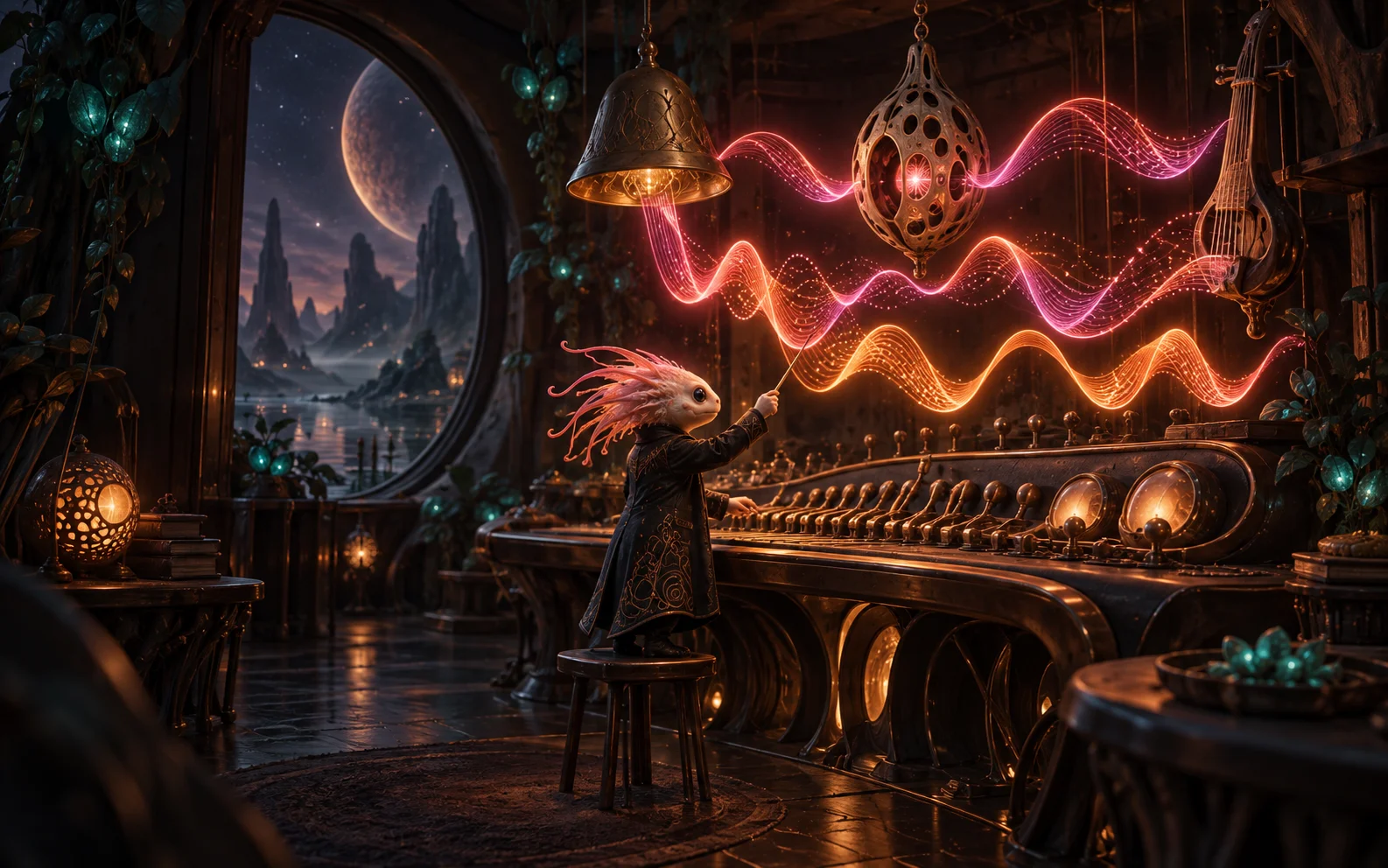
The audio workspace brings sound generation, imported files, event assignment, and mixing together. You can build around AI-generated material, your own recordings, or sounds from your library.
Create main and bonus music around the theme. SFX Studio produces themed sound banks for reels, buttons, wins, symbols, and bonus moments, with clips to audition and choose.
Use Event Map to bind a clip to a supported runtime event. Adjust volume and timing, and inspect the waveform when a transient needs to meet a reel stop or visual hit.
Mix music, UI, reels, wins, features, symbols, and anticipation under one master level. Save sounds to the Global Library and build packs you can reuse across projects.
A music bed establishes the world. A reel-stop sound marks the action. A win cue gives the moment its weight. Build the mix around what each sound needs to communicate.
Generate themed music and effects, import a clip, or choose a library sound.
Listen to candidates, refine cuts, and map the chosen sounds to game events.
Balance channels and hear the result inside the preview and hosted game.
Giggle Gulch’s themed sound bank included detuned banjo, honky-tonk piano, and whip-and-spur accents. Jupiter Swamps has separate main and bonus music bindings. The aim is a connected atmosphere, down to the smallest interaction.
Yes. Import browser-playable audio and assign it in Event Map, or choose sounds from a library or sound pack.
When bonus music is assigned, the runtime can crossfade from the main track on bonus entry and return on exit.
The timing editor includes waveform controls, a hit marker, and delay settings. Audition the result against the game event.
The Global Library and custom sound packs let you keep useful clips and apply them to another project.
Not yet. Big Win BGM, Free Spin Trigger, and Anticipation Start have no current runtime consumer. Use supported bindings and verify playback in preview.
 Animation & Chop Shop
A wild can react. A mascot can celebrate. A scene can breathe. Create motion with AI, or explore hands-on control over individual parts in Chop Shop.
 Pit Boss AI
Describe the game only you would imagine. Pit Boss connects the creative tools that turn your brief into a slot project: its cast, artwork, mechanics, presentation, and sound.
 House game studio
Build a family of games around a distinctive theme. Start with ten Casino Originals, bring your own artwork or generate a new look, and shape the settings each game supports.
Bring an idea, a creative team, or a whole portfolio. Let’s find the right starting point.
For creators, studios, and operators · Access is by request