Skip to content
SloticaRequest access
CUSTOM SLOT GAME BUILDER / THE WHOLE GAME

Your slot game.
Every piece of it.

A slot is a grid, a set of symbols, the rules that connect them, and the world they live in. Slotica builds all four: configure the game, generate or import the art, edit any symbol, wire the mechanics, and dress the scene with animated backgrounds, frames, and a mascot.

AI-assisted creation. Your creative control.
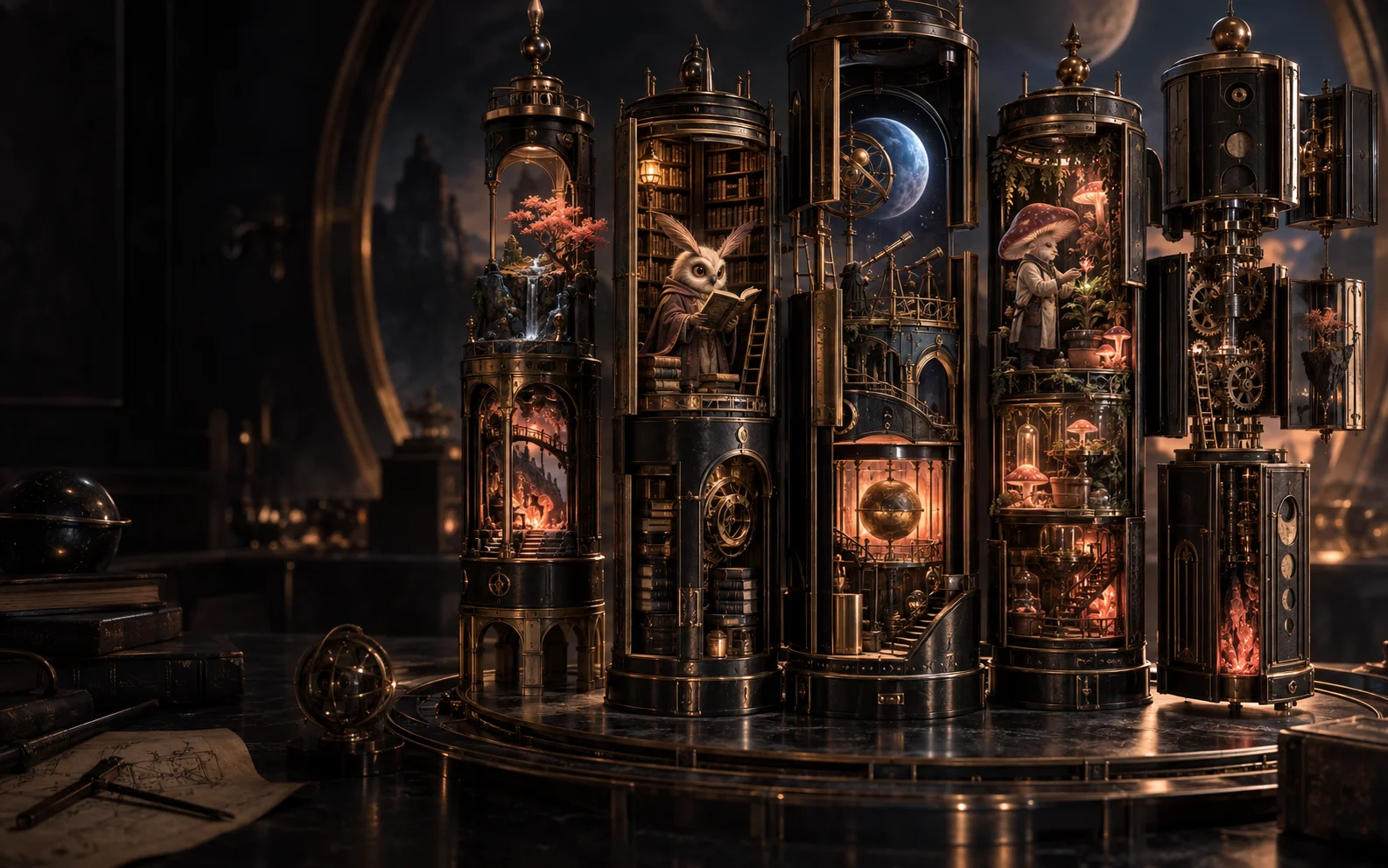
Modular mechanical towers contain an observatory, a moth librarian, and a mushroom botanist
Original Slotica concept artwork · AI-generated illustration
3×3 → 8×8Grids, lines, ways, cluster, scatter
Generate or importSymbols, scenes, frames, UI
Wilds that behaveExpanding, sticky, Hold & Spin, cascades
INSIDE / CUSTOM SLOT BUILDER

Four things make a slot. You control all of them.

Game Configuration sets the structure. The Assets workspace fills it with generated or imported art, and the Symbol Editor makes every piece yours. The Feature Builder wires the mechanics. The Layout Rig and Presentation studio give the game a world. Each part is a real tool in the studio today.

01

Configure the game, symbol by symbol

Choose reels and rows from 3×3 to 8×8, pick lines, ways, cluster, or scatter wins, draw your own paylines, set bet levels and the max win, and give every symbol a role: royals, lows, highs, wild, scatter, multiplier, or Hold & Spin coin. Symbols can be square, tall, or wide; the board adapts.
02

Generate the art, or bring your own, then edit it

Pit Boss and the Slotica generator produce full symbol sets, scenes, frames, reel textures, logos, and UI kits in one style. Upload your own art any time. The Symbol Editor crops, removes backgrounds, erases with brush or polygon, and takes an annotated instruction for an AI edit, so a symbol can be fixed instead of regenerated.

03

Wire the mechanics, then dress the scene

The visual Feature Builder connects triggers, conditions, and modifiers into bonus logic; expanding wilds, sticky wilds, multipliers, free-spin retriggers, cascades, and Hold & Spin are switches, not custom code. Then the Layout Rig layers an animated background, a frame, a reel texture, and a mascot, with separate scenes for each bonus and per-device layouts.

Actual studio capture · Feature Builder

Actual studio capture · Feature Builder

Visual Feature Builder showing connected bonus and free-spin nodes
START WITH THE STRUCTURE

A different grid.
A different possibility.

Five reels with three positions create 243 position combinations in a ways layout. Six reels with four positions create 4,096. Which combinations pay depends on the symbols and rules you configure.

LinesWaysClusterScatter
5 × 3243 position combinations
6 × 44096 position combinations
Grid illustration · not a playable game
EVERYTHING A SLOT NEEDS, IN ONE STUDIO

From the config screen to the mascot.

Game Configuration

Reels and rows, lines/ways/cluster/scatter, paylines, bet levels, max win, symbol roles and aspect ratio, spin style.

Assets: generate or import

Full symbol sets, scenes, frames, textures, logos and UI kits in one style, or upload your own.

Symbol Editor

Crop, background removal, brush and polygon erase, magic wand, annotated AI edits in place.

Feature Builder

Visual node editor for triggers, conditions and modifiers; exports the game logic as code.

Mechanics

Expanding wilds, sticky wilds, multipliers, free spins with retriggers, cascades, Hold & Spin (beta).

Scenes and frames

Animated looping backgrounds, frames with measured openings, reel textures, per-bonus sets, per-device layouts.

Mascots and animation

A character on the board, symbol animations, win celebrations and bonus loops.

Presentation and audio

Loading screens, title splash, feature cards, themed music and mapped sound effects.

Actual studio capture · Symbol Editor

Actual studio capture · Symbol Editor

Slotica Symbol Editor: a Jupiter Swamps symbol on the canvas with Remove BG, Magic Wand, Auto Enhance and the AI Edit panel
Actual studio capture · Asset Library

Actual studio capture · Asset Library

Slotica Asset Library for Jupiter Swamps: symbols, Hold & Spin plaques, loading screens, logo variations, UI and music
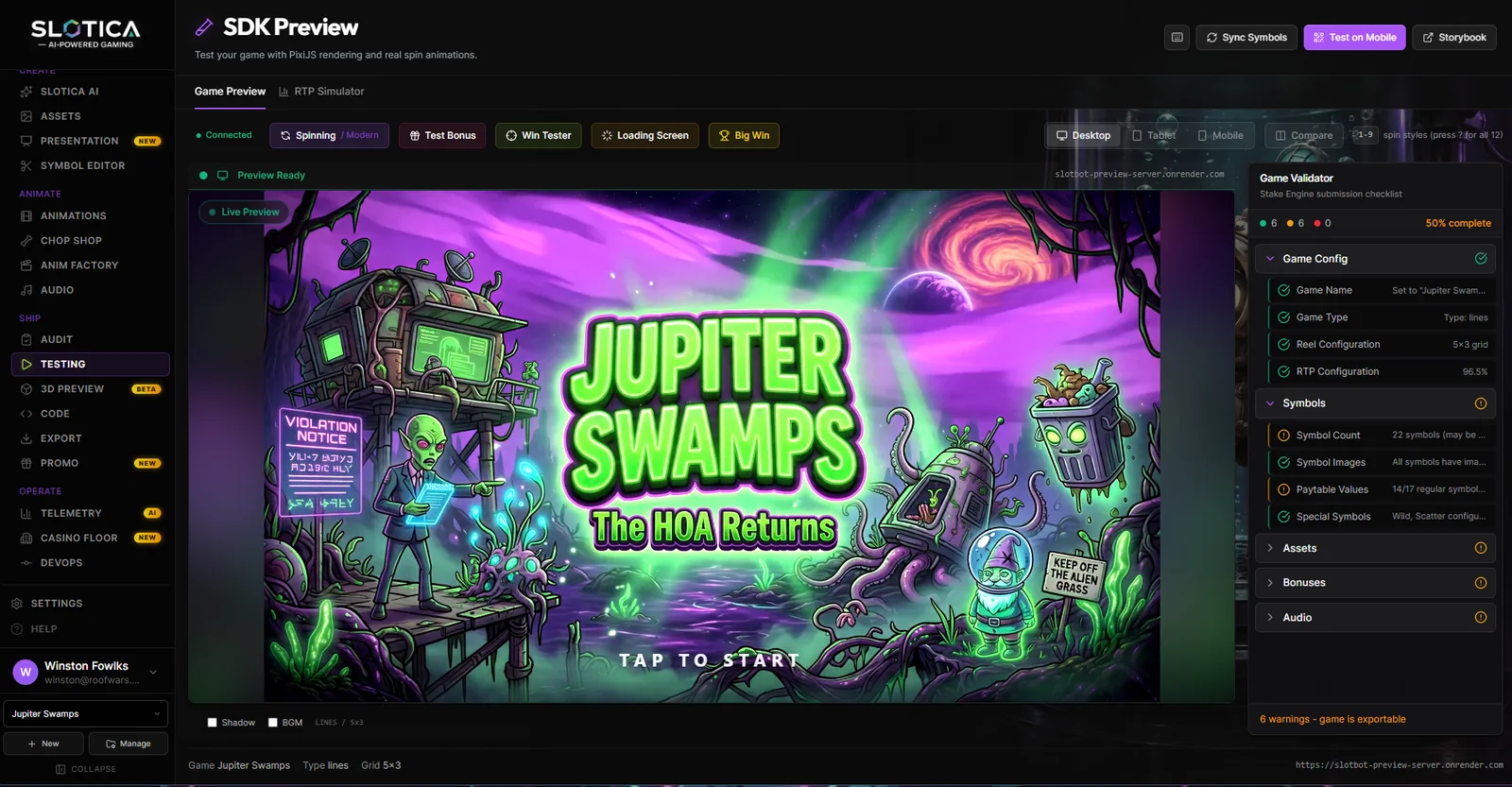
Actual studio capture · SDK Preview + Game Validator

Actual studio capture · SDK Preview + Game Validator

Slotica SDK Preview running Jupiter Swamps with device toggles and the Game Validator checklist
Actual studio capture · Layout Rig

Actual studio capture · Layout Rig

Slotica Layout Rig arranging the Jupiter Swamps Fine Collection scene, frame, board and controls
FROM IDEA TO ITERATION

A workflow you can make your own.

  1. 01

    Set the structure

    Reels, rows, win model, paylines, bet levels, symbol roles and shapes.

  2. 02

    Fill and refine the art

    Generate a matching set or import yours; fix any symbol in the Symbol Editor; add the scene, frame, texture, and mascot.

  3. 03

    Wire, play, evaluate

    Turn on the mechanics, build the bonus in the Feature Builder, preview the result, simulate the math, and refine before publishing.

MADE WITH SLOTICA

The same world can have a different set of rules.

Jupiter Swamps pairs an alien bureaucracy theme with separate bonus experiences. Giggle Gulch uses themed free-spin rounds and an expanding wild. These are examples of supported mechanics dressed in a game’s own visual language.

Actual game capture · HR FROM HELL, Hold & Spin round

Actual game capture · HR FROM HELL, Hold & Spin round

HR FROM HELL in its Hold & Spin round: locked coins on a 5x4 board with Grand, Major, Minor and Mini prizes
GOOD QUESTIONS

A closer look at
custom slot builder.

Can I make a ways game instead of a paylines game?

Yes. Game Configuration offers lines, ways, cluster, and scatter win models. Choose the evaluator that fits the design, then test that configuration.

What grid sizes can I use?

The configuration supports three to eight reels and three to eight rows, including familiar 5×3 and 6×4 layouts.

Can free spins combine sticky wilds and multipliers?

Yes. These are per-round settings, alongside retriggers and bonus music. Their interaction should be reviewed in preview and simulation.

Can I build a Hold & Spin bonus?

Hold & Spin is a beta option with locking coins, respins, and jackpot tiers. Review both its behavior and presentation in your project.

Can I use my own artwork instead of generating it?

Yes. Upload symbols, backgrounds, frames, and UI art into the Assets workspace, or mix them with generated pieces. The Symbol Editor works on either.

What can the Symbol Editor do?

Crop, remove backgrounds, erase with a brush or a polygon, magic-wand cleanup, and an annotated AI edit: circle the problem, describe the fix, and the symbol is regenerated in place.

Do symbols have to be square?

No. Set the symbol aspect ratio in Game Configuration (square, tall, or wide) and the board, reels, and layouts follow it.

Can the background move?

Yes. Scenes can carry a looping animated background, a frame, a reel texture, and a mascot, with separate sets for the main game and each bonus round.

Does setting a target RTP certify a game?

No. Simulation and paytable tuning help you evaluate a design. Certification, regulatory approval, and a production deployment are separate processes.

YOUR NEXT WORLD STARTS HERE

What will you make possible?

Bring an idea, a creative team, or a whole portfolio. Let’s find the right starting point.

For creators, studios, and operators · Access is by request