Place and align
Arrange the board, frame, logo, background, and reel texture per device. Auto Align measures the frame opening; manual controls let you refine size, fit, spacing, and placement.
 Request access
 Make the frame, controls, loading screen, and bonus cards feel like they belong together. Layout Rig and Presentation Studio connect the details around the reels.
AI-assisted creation. Your creative control.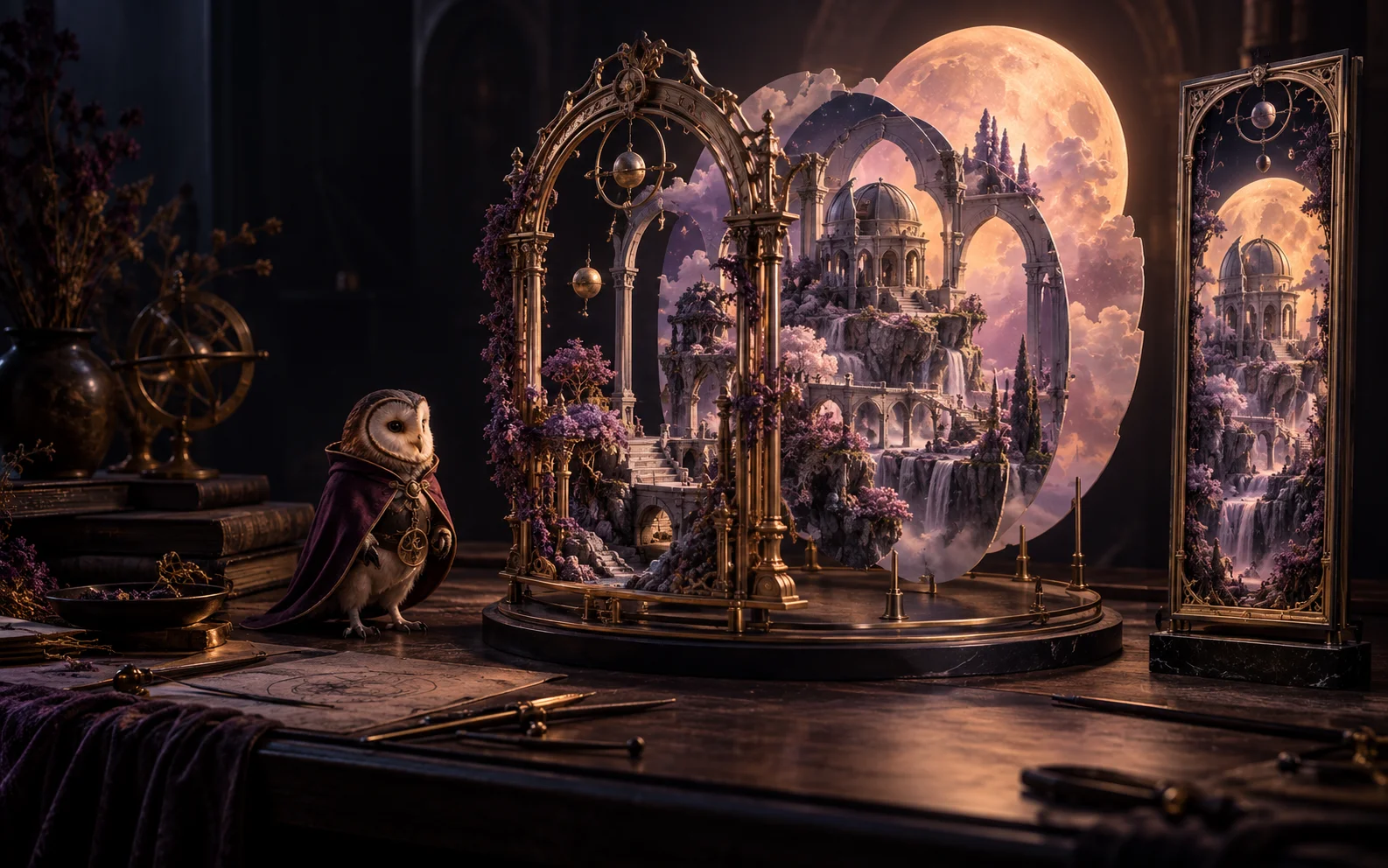
Your reel grid is only part of the composition. Players also need a clear spin control, readable values, a strong first impression, and a useful explanation when the game changes.
Arrange the board, frame, logo, background, and reel texture per device. Auto Align measures the frame opening; manual controls let you refine size, fit, spacing, and placement.
Choose from twenty vector UI kits and arrange the control slots. UI Studio also provides import workflows for custom SVG or image artwork, which should be reviewed in your project.
Create a game splash, feature card, and per-bonus mechanic cards. Generate art or assign existing assets, keeping the instructions and visual language connected to the game.
Carry the visual language from the loading screen to the game, then into its bonus rounds. Each stage has a different job to do.
Make the first impression.
Introduce the world and rules.
Keep the board and controls clear.
Explain what changes next.
Start with the scene, frame, and board; align the layout to your grid.
Review desktop, tablet, and mobile arrangements and place the game controls.
Build the loading screen, title splash, game information, and bonus cards.
HR FROM HELL opens its Promotion Path with a card that explains the Hold & Spin round in the game’s own type and lava. Jupiter Swamps uses a separate Fine Collection layout. Presentation assets can introduce a mechanic while remaining part of the same visual world.
Yes. The rig stores device-specific layout settings for desktop, tablet, and mobile, with separate artboard and placement controls.
Auto Align and Align All calculate initial board and frame placement. You can then adjust the composition with the manual controls.
Yes. Presentation panels support assigning existing art, and the loading-screen workflow accepts uploads and library assets.
Use the vector UI kits and element placement tools. Custom SVG and image import workflows are also present; review imported mappings and device layouts before publication.
Yes. Main and bonus background sets can have different compositions, and Presentation Studio creates the accompanying splash and mechanic-card artwork.
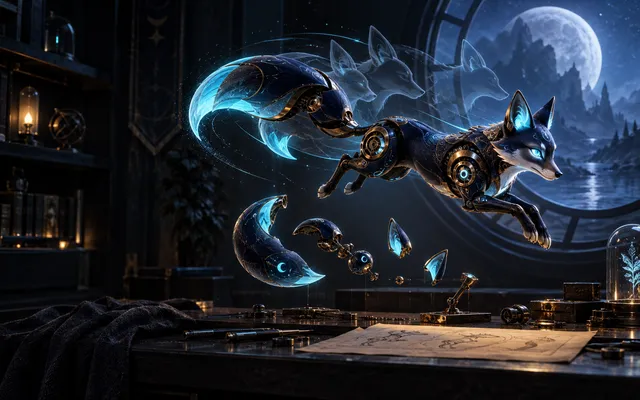 Animation & Chop Shop
A wild can react. A mascot can celebrate. A scene can breathe. Create motion with AI, or explore hands-on control over individual parts in Chop Shop.
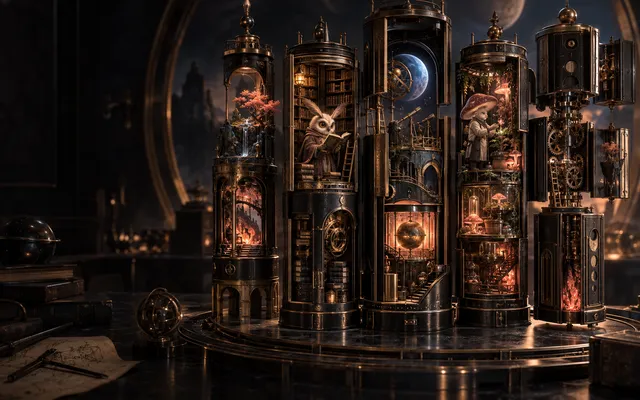 Custom slot builder
A slot is a grid, a set of symbols, the rules that connect them, and the world they live in. Slotica builds all four: configure the game, generate or import the art, edit any symbol, wire the mechanics, and dress the scene with animated backgrounds, frames, and a mascot.
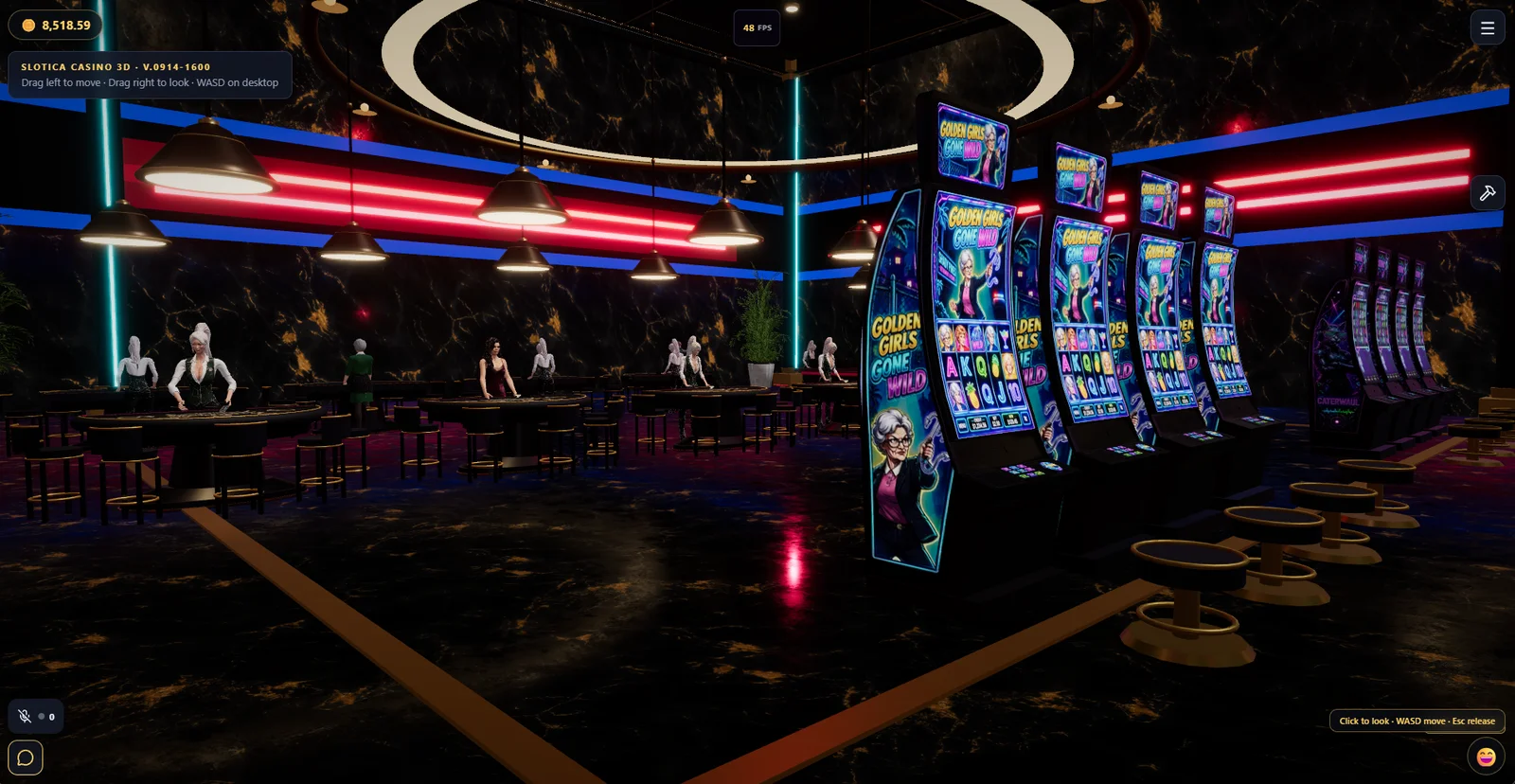 Browser 3D casino
Custom games deserve a place of their own. Explore a walkable 3D casino where games made in Slotica appear in individually themed cabinets, all inside the browser.
Bring an idea, a creative team, or a whole portfolio. Let’s find the right starting point.
For creators, studios, and operators · Access is by request