AI symbol animation
Select project symbols and a motion direction. The animation pipeline turns generated motion into frames with transparent backgrounds, packs the sprite sheet, and lets you preview the result.
 Request access
 A wild can react. A mascot can celebrate. A scene can breathe. Create motion with AI, or explore hands-on control over individual parts in Chop Shop.
AI-assisted creation. Your creative control.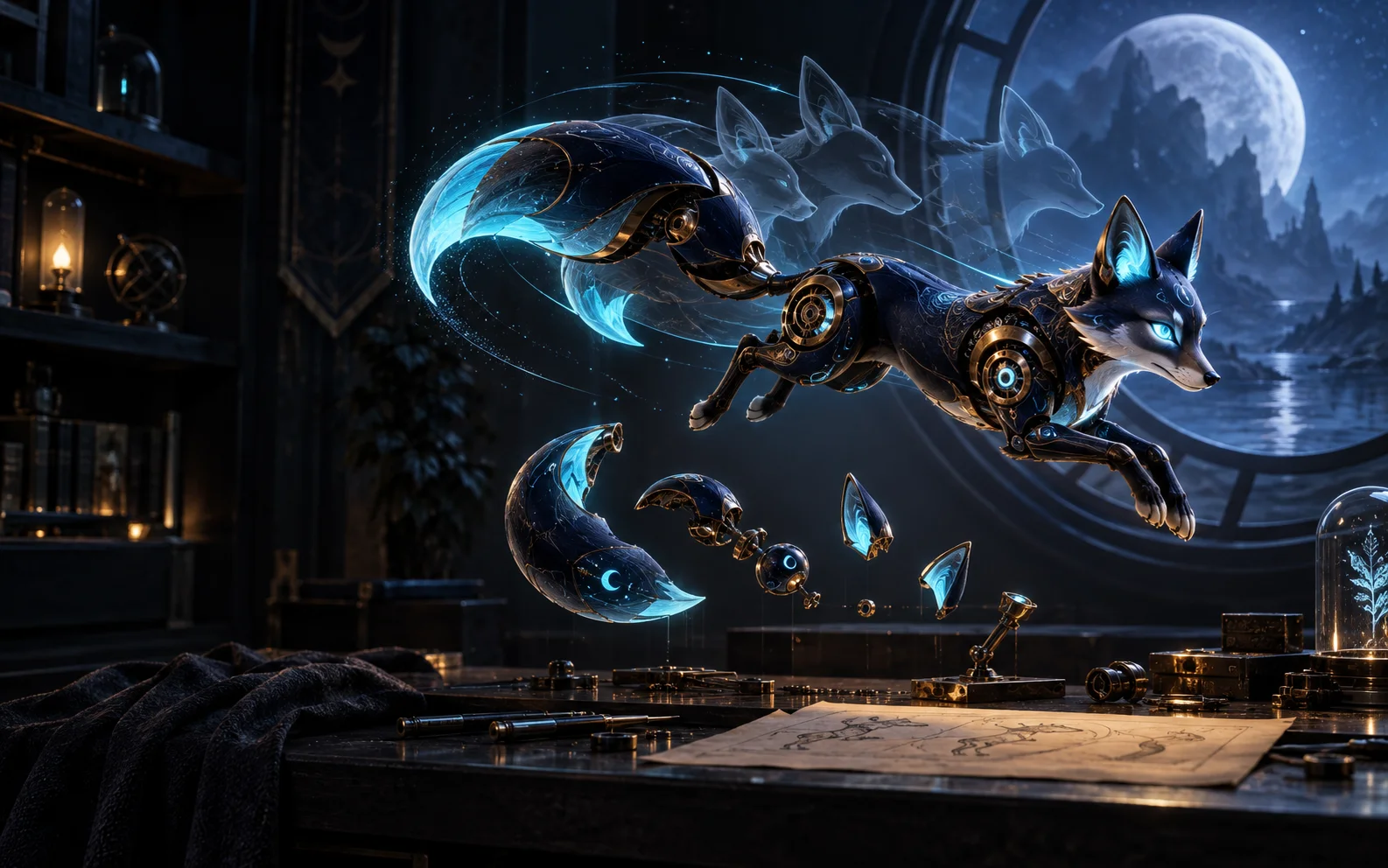
A symbol’s short win reaction and a background’s ambient loop have different jobs. Slotica separates those workflows so the animation supports the game instead of obscuring it.
Select project symbols and a motion direction. The animation pipeline turns generated motion into frames with transparent backgrounds, packs the sprite sheet, and lets you preview the result.
Start with uploaded or project artwork. Define and extract parts, pin anchors, arrange the hierarchy, then keyframe position, rotation, scale, and easing. The rebuilt tool is available as a beta workflow.
Use subtle loops for backgrounds and title splashes, or build mascot mood states. Scene loops retain a still-image fallback, and symbol animations connect to supported runtime moments.
AI starts with the movement you describe. Manual animation starts with the parts you want to move. Both need a final check at the size and speed players will see.
Source symbol → motion direction → transparent frames → sprite sheet
Extract parts → set anchors → add keyframes → preview the sequence
Choose a readable symbol, a mascot base, or a finished scene.
Generate an AI motion clip, or extract and animate parts by hand.
Review the preview, transparency, timing, and behavior in the hosted game.
Published projects including Giggle Gulch and Golden Girls Gone Wild use ambient background loops. SLAB & SAVE has animated title artwork. These small moments give a world continuity from its first impression to the reels.
Yes. The AI animation workflow starts with a symbol and a motion direction, then produces a sprite sheet you can preview.
Chop Shop provides part extraction, anchors, a hierarchy, and a keyframe timeline. It is a beta workflow for creators who want manual control.
The symbol pipeline removes the background frame by frame and packs the result with alpha transparency. Background and splash loops are opaque scene videos.
Chop Shop includes position, rotation, scale, and easing controls, with sequences and a runtime preview.
Supported symbol sprites, mascots, and scene loops play in Slotica’s preview and hosted games. Standalone SDK export is still being completed.
 Layout & presentation
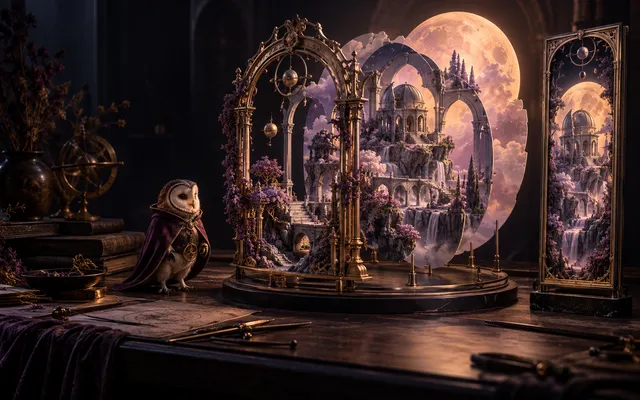
Make the frame, controls, loading screen, and bonus cards feel like they belong together. Layout Rig and Presentation Studio connect the details around the reels.
 Themed game audio
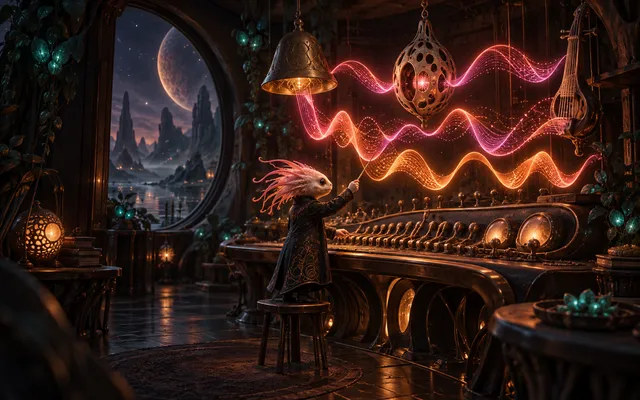
A cosmic swamp should not sound like a western carnival. Create music and sound effects around the game’s identity, then connect them to the moments players hear.
 Pit Boss AI
Describe the game only you would imagine. Pit Boss connects the creative tools that turn your brief into a slot project: its cast, artwork, mechanics, presentation, and sound.
Bring an idea, a creative team, or a whole portfolio. Let’s find the right starting point.
For creators, studios, and operators · Access is by request